
Hi All,
You ask an AI to explain how a firewall works. Thirty seconds later you've got a clear, confident answer. You nod along. It all makes sense.
Then someone asks you the same question the next day, and it's gone.
That's the trap. AI can make you feel like you've learned something without you actually learning it. This week: how to use it so it builds real knowledge, not just the feeling of it.
💡 This week's insight
AI can explain almost anything. But it can't build your memory, and it can be confidently wrong.
Reading a good explanation isn't the same as learning. You remember what you have to work to recall, not what you read. And AI tools sometimes make things up and present them as fact, in exactly the same confident tone as everything else they say.
So use it as a study partner, not as an answer machine. Five rules:
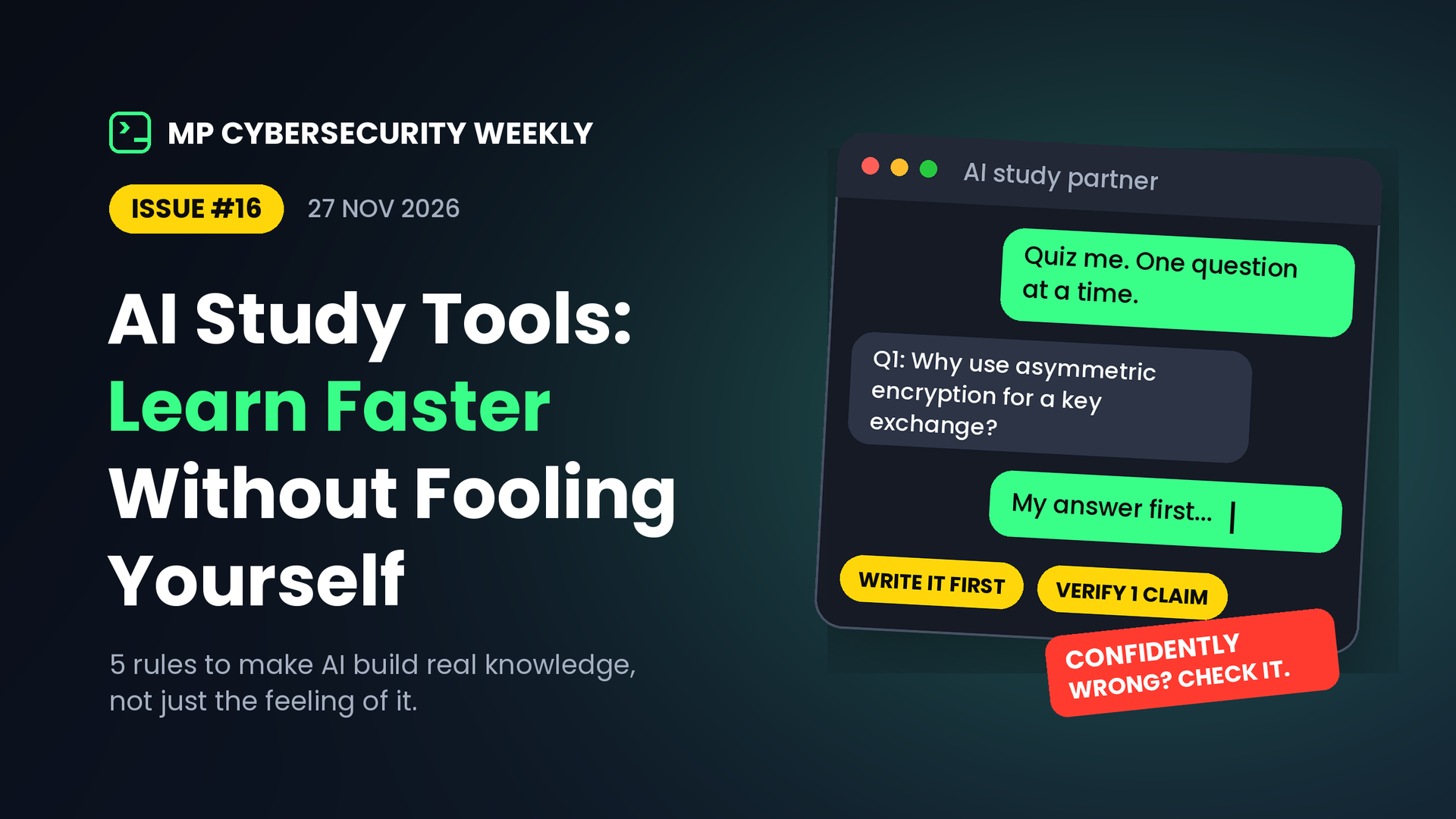
1. Make it quiz you. Don't ask it to explain. Ask it to test you. Try this prompt:
"Quiz me on the difference between symmetric and asymmetric encryption. Ask one question at a time, and don't give me the answer until I've tried."
2. Write your own answer first. Before you ask AI anything, write down what you think the answer is, even if you're unsure. Then compare. The gap between the two is exactly what you need to study.
3. Explain it back in your own words. If you can't explain it simply without looking, you don't know it yet. Write it out, then ask the AI: "What did I get wrong or leave out?"
4. Check one claim against an official source. Pick one fact from every AI answer and verify it in the official documentation: CompTIA's exam objectives, Microsoft Learn, AWS docs, NIST. It takes two minutes, and it trains the habit every security professional needs: trust, but verify.
5. Never paste confidential or company data into it. No work logs, no customer data, no internal documents, no passwords. Many free AI tools may use what you type to improve their service, depending on their settings and terms. In a security job, pasting company data into an unapproved tool can be a reportable incident. Build the habit now.
🛠️ Free tool of the week: Security+ practice quiz
AI explains. The quiz tests whether it stuck.
My free Security+ practice quiz gives you real exam-style questions, with no signup. Use it straight after a study session with AI. If you can answer without looking anything up, you've learned it. If you can't, you've found your next topic.
👉 practice.mpcybersecurity.co.uk
(It's built for the current SY0-701 exam. If you're planning to sit the new SY0-801 version, the core concepts still carry over.)
💼 Career tip: they can tell
Hiring managers can tell when someone has learned something and when they've only read the answer.
I see it in interviews. Someone gives a polished answer, so I ask one follow-up question: "Why would you do it that way?" or "What would you check next?" If the knowledge is theirs, they keep going. If they read it somewhere, the answer stops.
The same goes for your projects. If AI helped you build your home lab or write your report, that's fine. But be ready to explain every part of it without the tool open. If you can't explain it, don't put it on your CV.
✅ Your 20-minute action this week
Pick one topic you're studying right now, for example "how a VPN works" or "what a SIEM does"
Write a five-line explanation in your own words. No looking anything up
Ask AI to find the errors: "Here's my explanation of [topic]. What's wrong, missing or unclear? Don't rewrite it for me."
Verify one claim it makes in the official documentation
That's it. Twenty minutes, and you'll know more about that topic than an hour of reading would give you.
🎁 Free tools to keep going
Everything you need to make progress is free. Start here:
🧭 Career path quiz: not sure which role fits you? path.mpcybersecurity.co.uk
📊 Skills gap tool: see what employers ask for in your target role: skills.mpcybersecurity.co.uk
📝 Security+ practice quiz: practice.mpcybersecurity.co.uk
📄 CV checker: see how your CV scores for your target role: cv.mpcybersecurity.co.uk
Want someone to check your thinking? In my community, you can post your five-line explanations and get honest feedback from me and from people at the same stage as you. Every week there's a hands-on challenge I mark, plus a live Q&A every Wednesday at 8pm UK time.
👉 skool.com/mpcyber/about
No pressure. If you'd rather go it alone, the tools above will take you a long way.
🔜 Next week: Issue #17
"Applied and Heard Nothing? A 30-Minute Audit."
You've sent 30 applications and heard nothing back. Next Friday, I'll walk you through the 30-minute check I'd run on your CV, LinkedIn and applications to find out why.
See you next Friday,
Marius CISO and founder, CTRL+ALT+DEFEND
P.S. My community's annual plan is 50% off for Black Friday, until Monday 30 November at 11:59pm UK time. If you've been thinking about it, now's the cheapest it'll be: skool.com/mpcyber/about