
Issue #4 — The LinkedIn Strategy That Gets Recruiters Messaging You
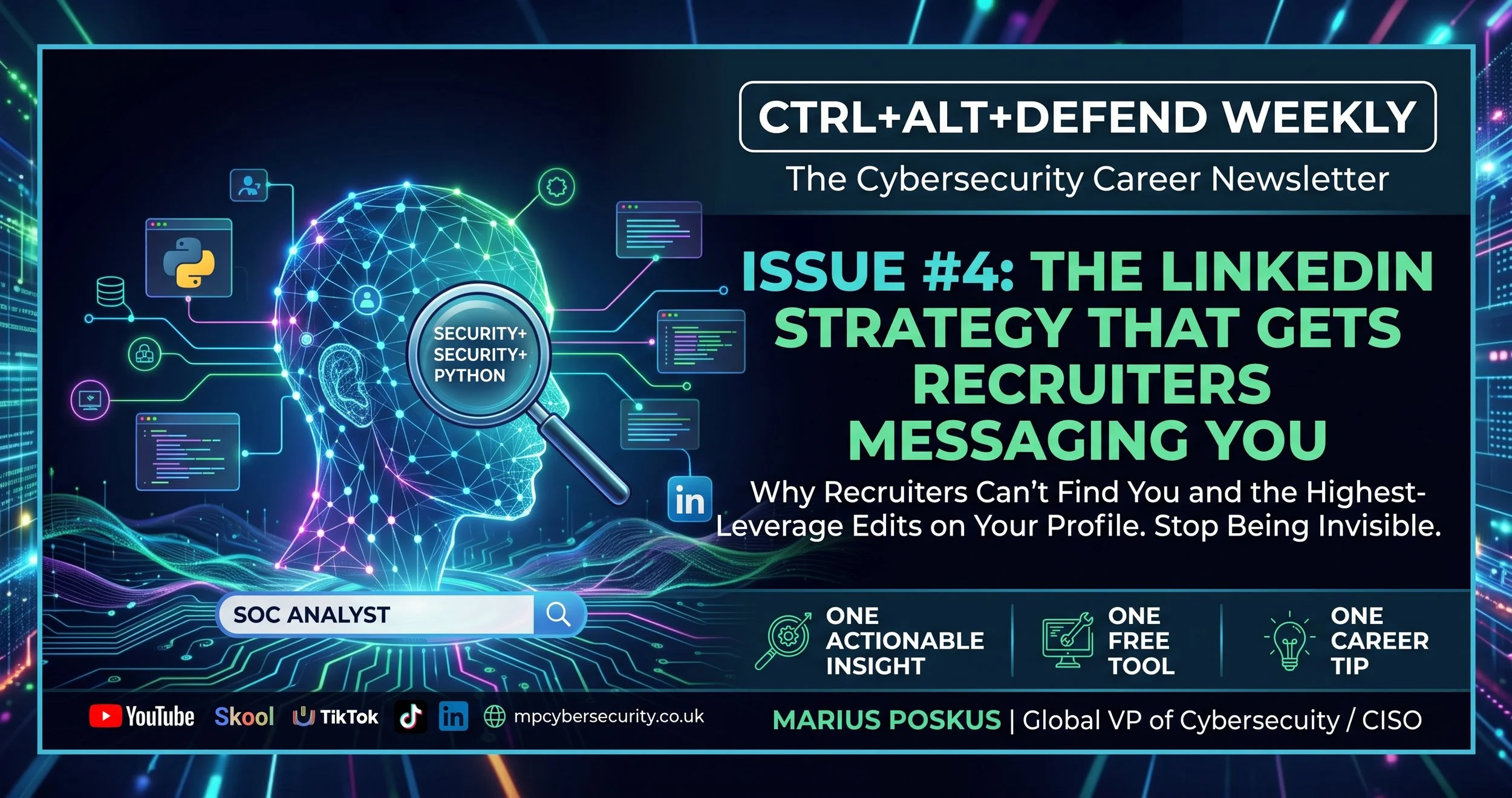
🔥 THIS WEEK'S INSIGHT: Why Recruiters Can't Find You
Here's something most people don't realise. Recruiters don't scroll LinkedIn looking for interesting profiles. They search by keyword. "SOC Analyst." "Splunk." "Security+." If your profile doesn't contain the exact words they're typing into that search bar, you don't exist to them. Not "you rank low." You don't appear at all.
The Headline Rewrite
Your headline right now probably says something like "Aspiring Cybersecurity Professional" or "Seeking Opportunities in InfoSec." That headline contains zero searchable keywords. Change it to something like:
"SOC Analyst | Security+ | Wazuh SIEM | Python | Threat Detection"
Six searchable terms. A recruiter searching for ANY of them now finds you. This takes thirty seconds to change and it's the highest-leverage edit on your entire profile.
The About Section
Write it in first person. Three short paragraphs: who you are and what you're building, what you've actually done (name specific tools and projects), and what you're looking for. Include your GitHub link directly in the text, not buried in a separate field.
The Weekly Posting Habit
Post one technical insight per week. Not "Day 47 of my cybersecurity journey." An actual finding: "Wrote a Wazuh detection rule for brute force today. Event ID 4625 clusters within 5 minutes from the same source IP. Here's the rule logic." That's proof, not aspiration, and it's exactly what hiring managers notice when they land on your profile.
📰 ONE THING HAPPENING IN CYBERSECURITY THIS WEEK
I just published the video I've been building for months: "The Only Cybersecurity Career Roadmap You Need for 2026." Instead of eight separate roadmaps, it's the ONE structure underneath every single path, Foundations, Choose Your Specialisation, Build Proof, and The Job Hunt, built so you can figure out exactly where you fit before committing six months to the wrong direction.
If you've been stuck deciding between SOC, Cloud Security, GRC, Pentesting, IAM, DevSecOps, or DFIR, this is the video that ends the indecision.
Watch it here: https://youtu.be/jXraUMyZsfY
🛠️ FREE TOOL OF THE WEEK: LinkedIn's Open To Work Feature
What it is: A setting that signals to recruiters you're actively looking, either visible to everyone or just to recruiters using LinkedIn Recruiter.
Why it matters: Recruiters filter searches by this setting constantly. If it's off, you're invisible to a huge segment of active outreach, even if your profile is otherwise perfect.
Where to find it: Your profile, under "Open to," then "Finding a new job." Choose "Recruiters only" if you're currently employed and don't want your employer to see it.
Portfolio move: Combine this with the headline rewrite above. A recruiter searching "SOC Analyst" with the Open to Work filter on will find you within seconds if both are set correctly.
💡 CAREER ADVICE FROM THE HIRING TABLE
Comment on three posts a day from people at your target companies. Not "great post!" — an actual insight or question. Do this for thirty days straight.
By day thirty, people recognise your name. Some connect. Some message you directly. I've seen candidates land interviews because a hiring manager remembered their comments before their application ever arrived. This costs nothing and takes fifteen minutes a day.
📺 FROM THE CHANNEL THIS WEEK
The new roadmap video sits alongside all eight individual career blueprints, SOC, GRC, Cloud Security, DevSecOps, Penetration Testing, IAM, and DFIR, each with full skill matrices and home lab guides available on the website.
🎯 YOUR ONE ACTION THIS WEEK
Open LinkedIn right now. Rewrite your headline using the formula above: role + certification + 2-3 key tools. Screenshot the before and after. That's the whole task. Thirty seconds of editing, and your profile starts working for you while you sleep.
🔜 WHY THE SKOOL COMMUNITY IS A NO-BRAINER RIGHT NOW
Everything in this newsletter is free, and it stays free. But here's what free content can't do: it can't look at YOUR specific LinkedIn profile and tell you what's actually missing. It can't review YOUR CV. It can't answer the question you have at 9pm when you're stuck and nobody else is around.
That's what the CTRL+ALT+DEFEND Community on Skool is built for. Weekly live Q&A with me, direct, not pre-recorded. CV and LinkedIn profile roasts from someone who has personally rejected thousands of applications and knows exactly what makes a recruiter stop scrolling. Study groups organised by career path. Every digital product I've ever built, skill matrices, home lab guides, the CV template, the Interview Preparation Kit, included at no extra cost.
For less than the price of a few takeaways a month, you get direct, ongoing access to someone who's spent 10+ years hiring for these exact roles. That's not a course you finish once and forget. It's support for as long as you need it.
Join here: https://www.skool.com/cybersecurity-careers-guide-1773/about
If your LinkedIn headline still says "Aspiring Cybersecurity Professional" after reading this, that's your sign. Fix it today, then forward this issue to someone else stuck in the same spot.
See you next week.
Marius Poskus Global VP of Cybersecurity / CISO CTRL+ALT+DEFEND
→ YouTube: youtube.com/@mpcybersecurity
→ Skool Community: https://www.skool.com/cybersecurity-careers-guide-1773/about
→ LinkedIn: linkedin.com/in/marius-poskus
→ Website: mpcybersecurity.co.uk
→ TikTok: @mariusposkus0